
 Talk to a person
Welding
Weld steps carry the weld information, shown on the 3D model at the step where it happens.
Step 37 of 128 · Weld out the spring seats (×2)
Oneshot builds a 3D work instruction from your CAD file. Your engineers approve every step. Your best assembler adds what the CAD can't show, with a quick video or photo. New hires and assembly partners follow it on a tablet or phone.
Send one STEP file. You get a reply from me, not a sales team.




See it live
A real instruction: the Asimov 1 left arm, built from its STEP file. It plays on its own. Click any step to take over.

“This has been an eye-opener in terms of what's possible. Value was created there for sure.”
Why it matters
Your best assembler knows the order that works and the part that catches. But they're on the line all day, with no time to write it down or explain it again. Oneshot puts that knowledge where everyone can use it.
They follow your best assembler's way, step by step in 3D, instead of shadowing them on the line.
Share the instruction by link. Your partner sees the same steps and the same expert tips as your own team.
Your best assembler adds a quick video or photo right on the step. No manuals to write, no hours off the line.
How it works
Steps and build order ready
Send a STEP file. One assembly or sub-assembly is enough. Oneshot works out the steps and the build order.
They review every step and sign it off.
Add to step 04 · Fasten the cover
They add a quick video, a photo or a note to any step, from their phone.
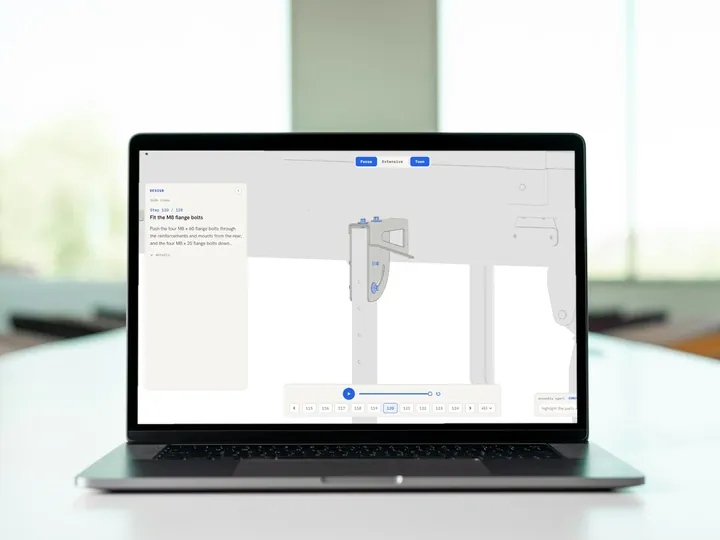
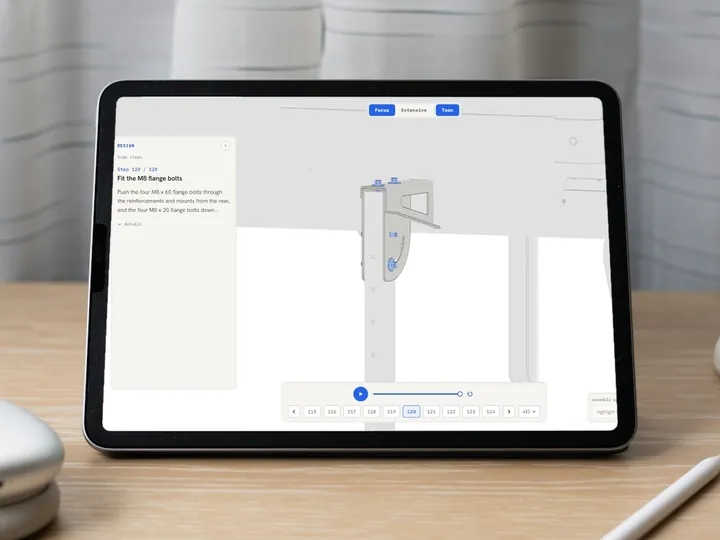
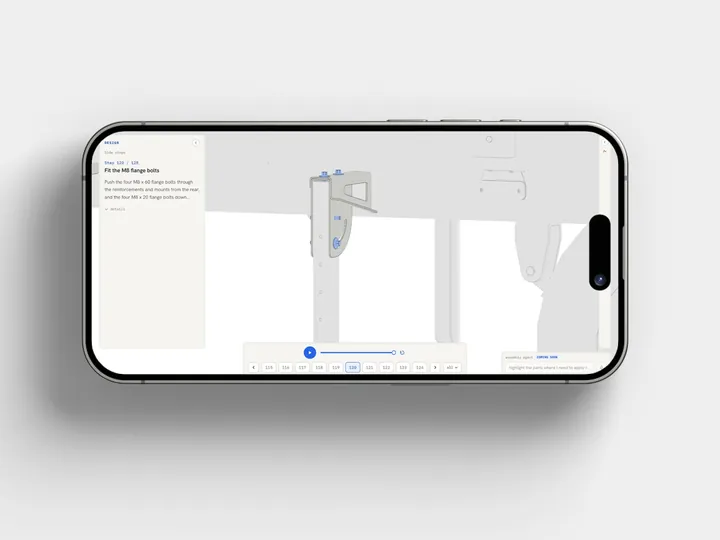
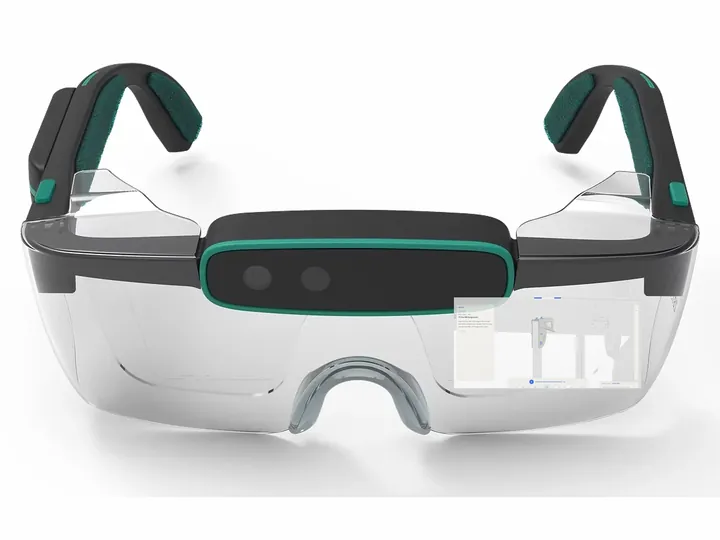
New hires and assembly partners open it on a laptop, tablet, phone or smart glasses, with the expert's tips at the right step.
What it handles
Weld steps carry the weld information, shown on the 3D model at the step where it happens.
Step 37 of 128 · Weld out the spring seats (×2)
Hydraulic assemblies, step by step in 3D, in the order they go together.
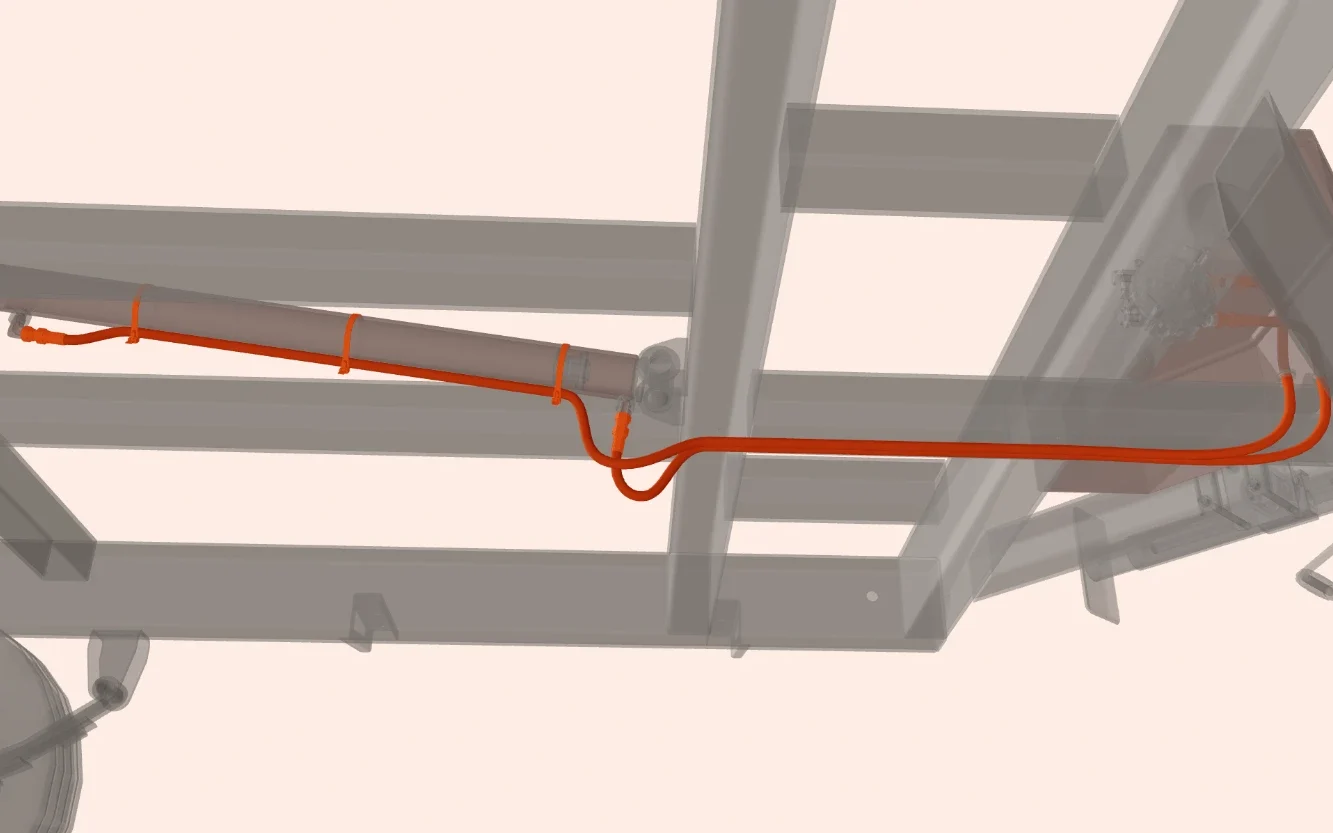
Not standard yet. Ask us if your assemblies need it.
How we start
1 instruction
Free, from one STEP file. You see what you get before you pay anything.
Then
Before you start
Or mail mika@oneshot.glass.
Send the file straight away, or pick a 30-minute slot.
Now
Mail us your STEP file. One assembly or sub-assembly is enough.
Send your STEP filemika@oneshot.glass

Mika Haak · FounderYou get a reply from me, not a sales team.